
Let's get started together
hello@squadio.gr
See the app,
screen by screen.
No mockups — this is Squadio exactly as your coaches and admins see it every day.
Get in touch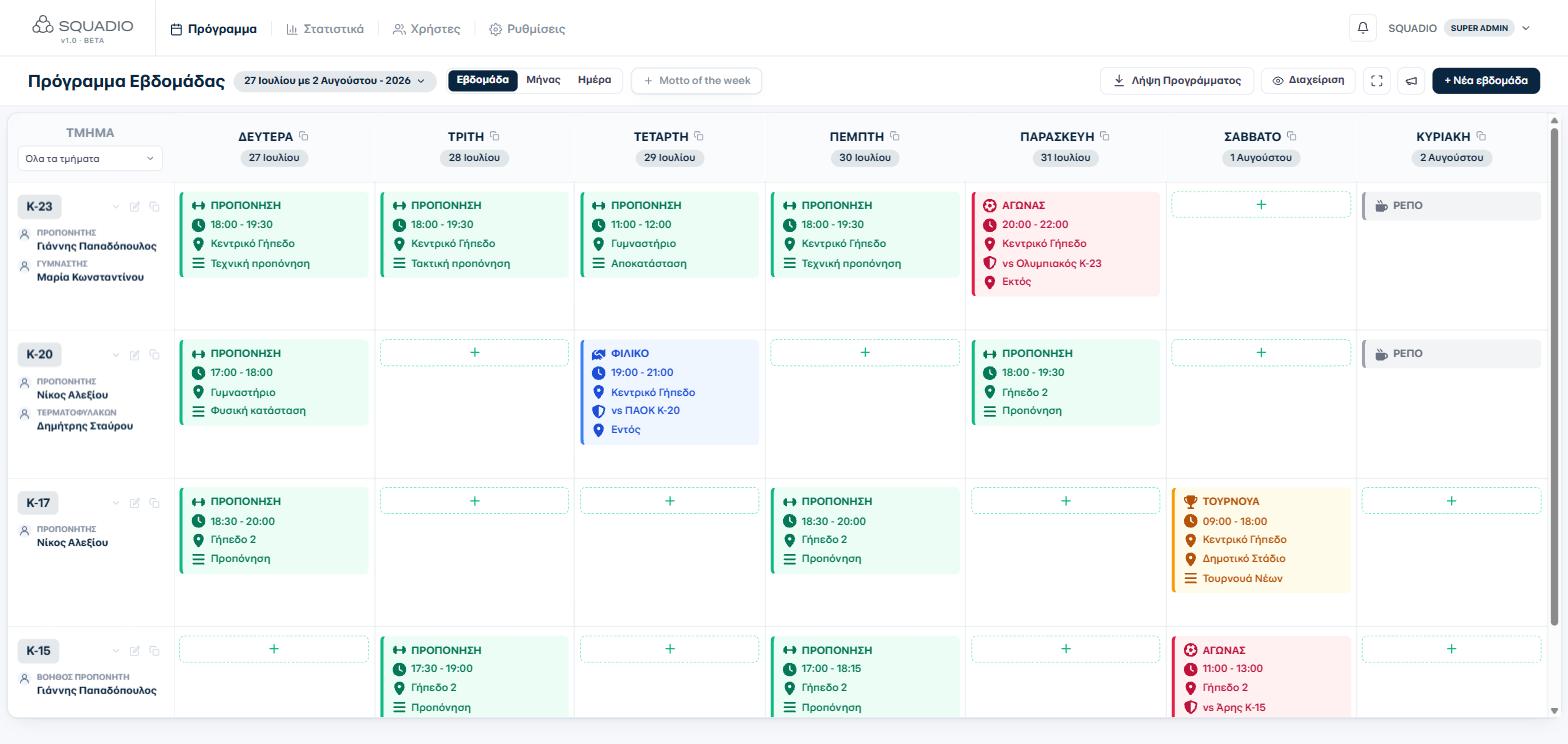
Weekly schedule
Every team's week, in one board.
Trainings, matches, tournaments and days off for every age group side by side, colour-coded by type. Drag through the week, switch to month or day view, and see exactly what's happening and where.
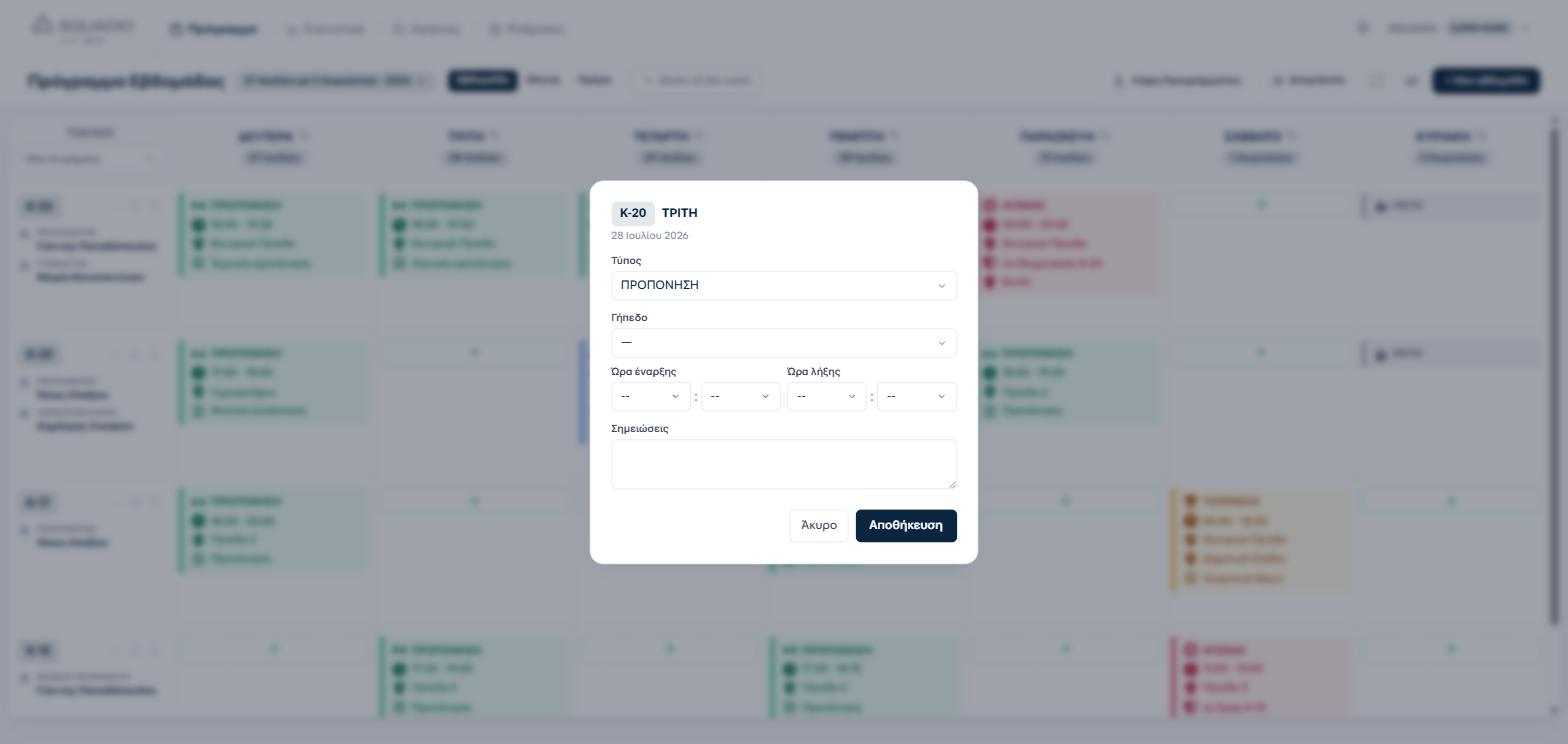
Add activities
A new training takes seconds.
Click any empty slot, pick the type — training, match, tournament, friendly — set the pitch and time, and it's on the board. Every change is logged, so nothing gets lost.
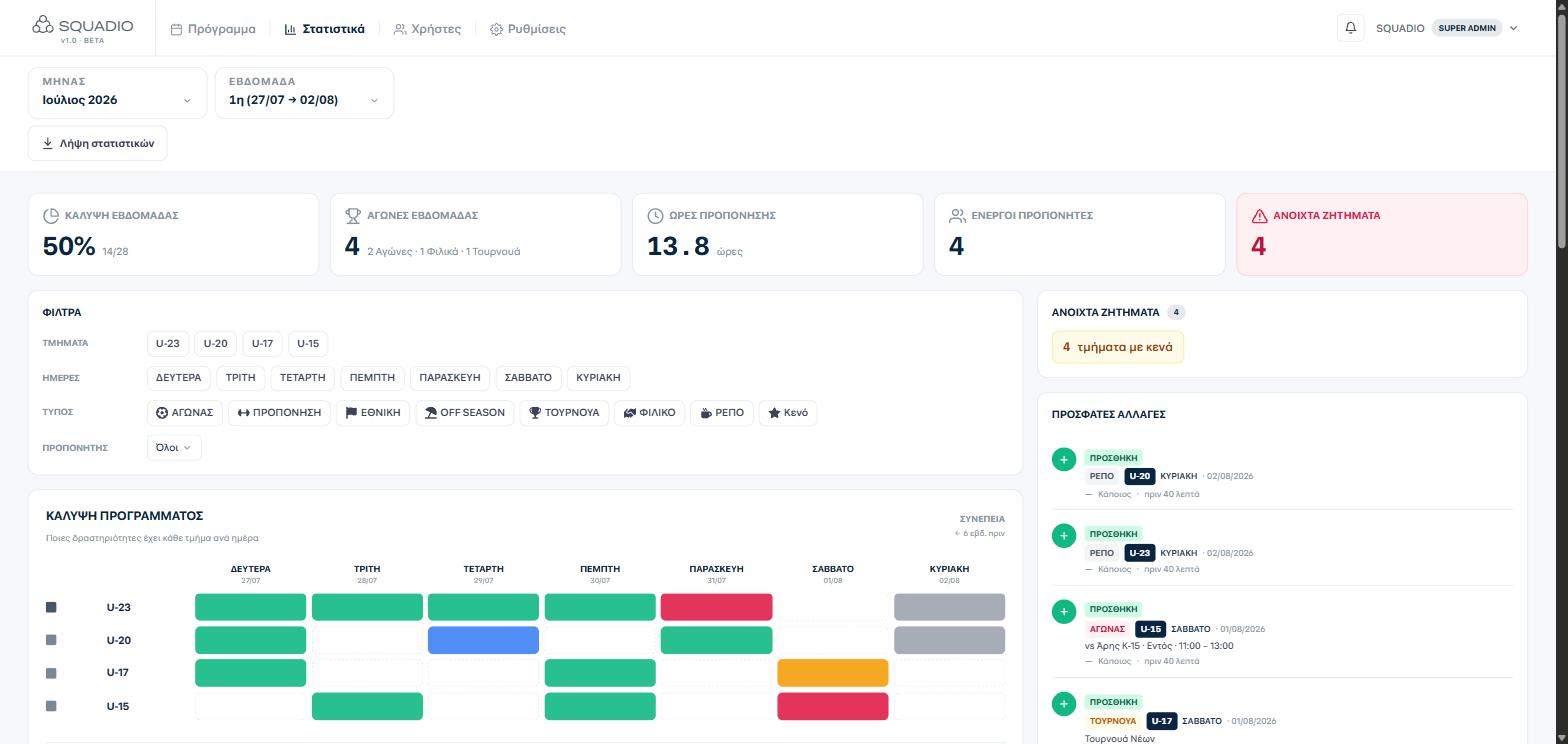
Live statistics
Know your week's coverage at a glance.
Schedule coverage, matches played, training hours and open gaps update automatically as the week fills up, with filters by team, day, activity type and coach.
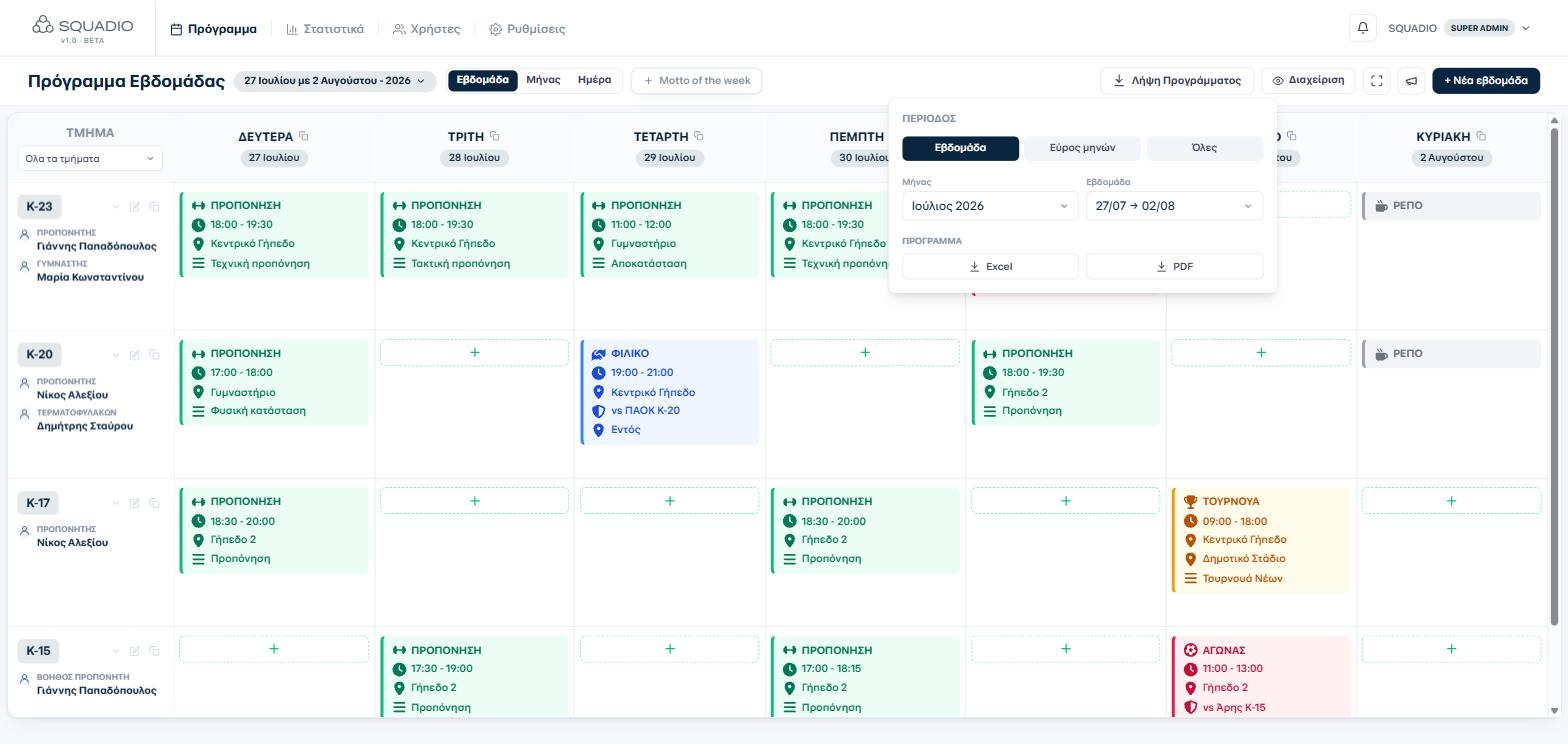
Exports
PDF and Excel, whenever you need them.
Export the week's schedule or a full month of stats to PDF or Excel with one click — ready to print, share or archive.
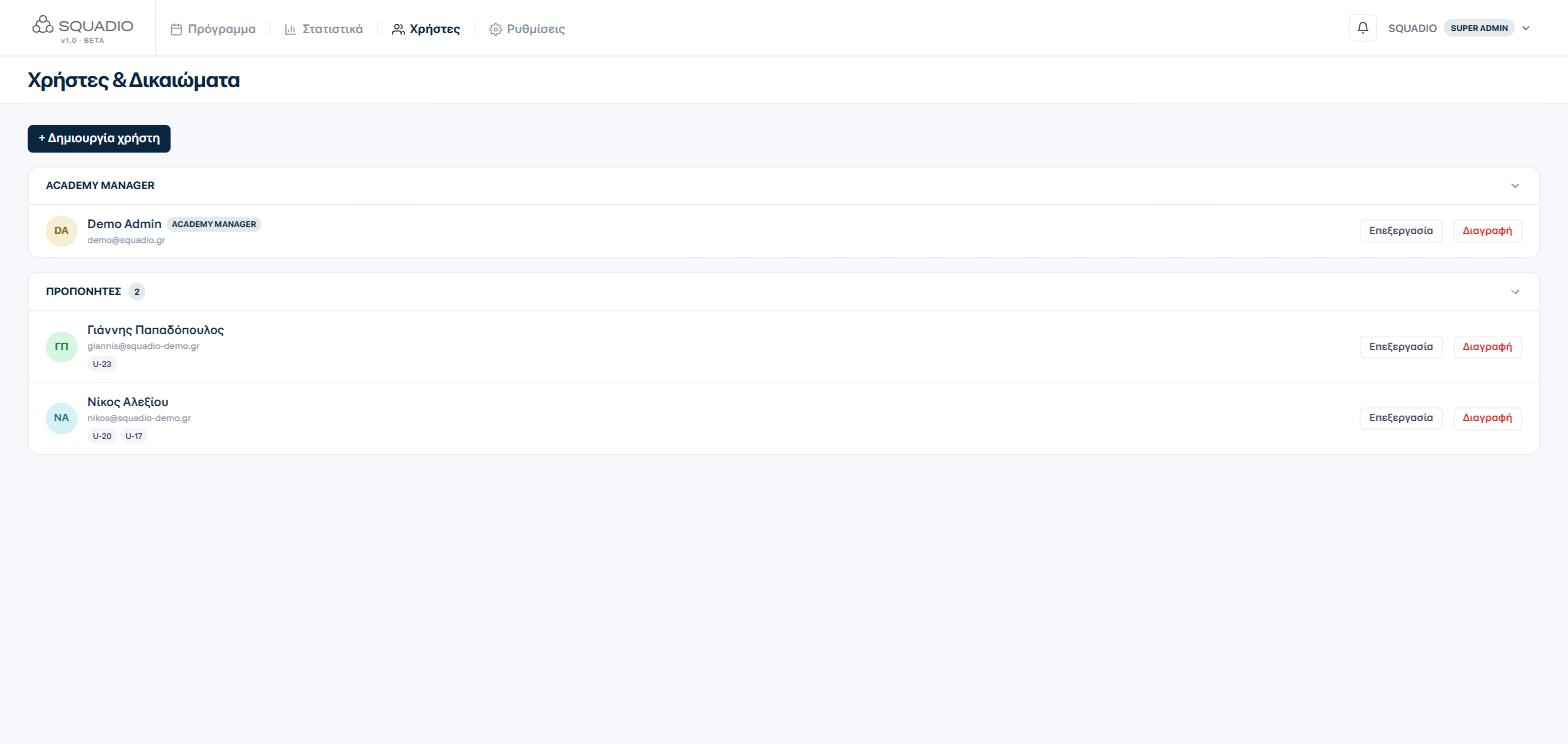
Users & permissions
Every coach sees only their own teams.
Invite academy managers and coaches, assign them to specific teams, and each one logs in to a view scoped to exactly what they're responsible for.
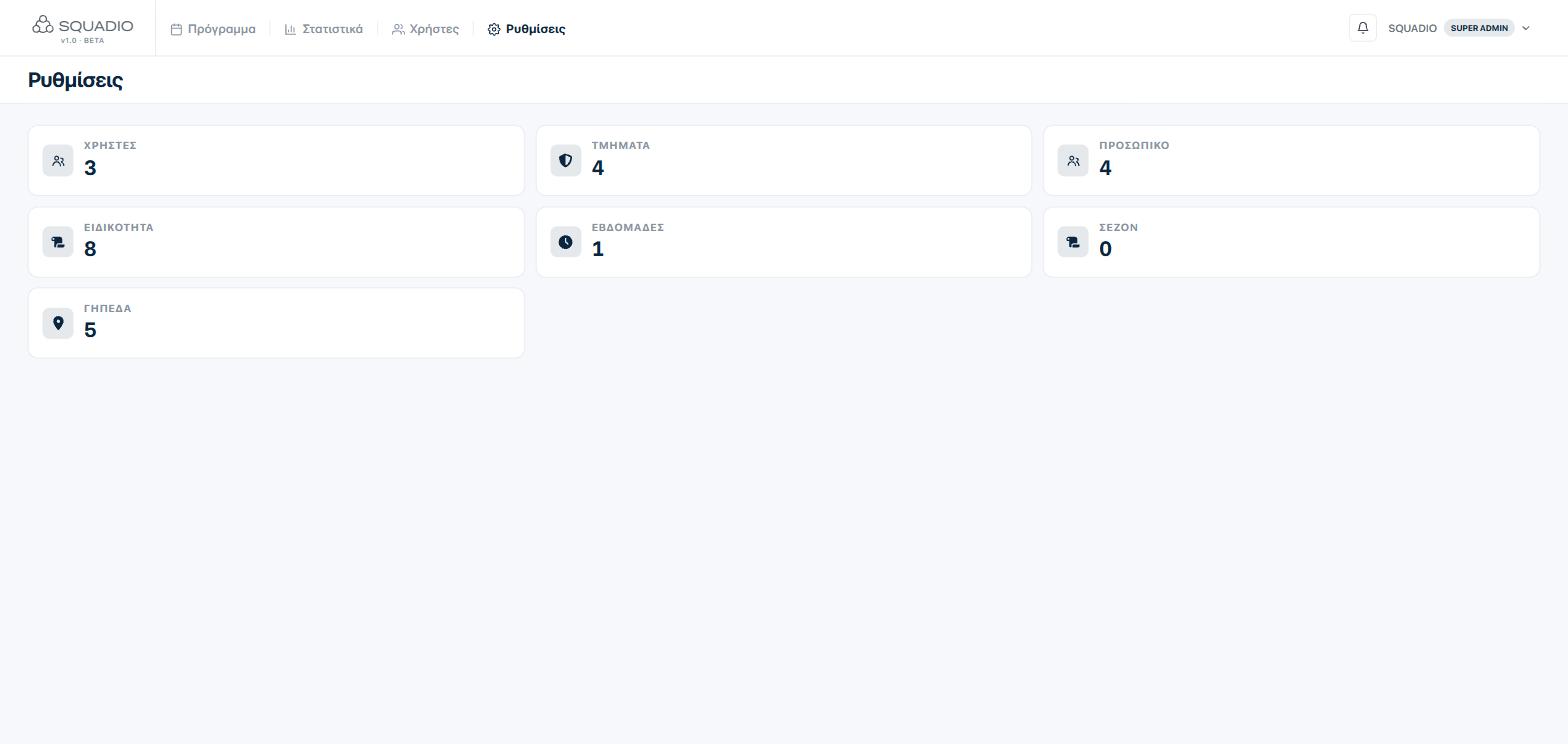
Settings
One place to configure the whole academy.
Teams, pitches, staff, specialties and seasons — every building block of your academy lives in one settings area, ready to reconfigure as your academy grows.
What's included
And everything the six screens don't show.
The tour shows the backbone. Below is the rest of what an academy actually uses every week.
Attendance
Present, absent, late or excused with one tap — and the attendance rate comes out of it on its own.
Registers not marked
A training or match that went by unmarked stands at the top of the register, with "all present" one tap away.
Players & player profiles
A roster with a photograph, a position and a profile: attendance, coach's notes and a full injury history.
Guardians & consent
A guardian on every minor's record, and the date consent was given — which travels with the record when it is exported.
Formations & line-ups
Type 4-3-3 and the positions place themselves; players are dragged onto the pitch.
Pitches
Pitches go onto the entries, double bookings are caught, and the use of each one is measured.
Academy finances
Subscriptions, costs and contracts on one page, with income and the balance by month and by squad.
Match statistics
Minutes played, goals, assists and cards are written on the same register and add up on the player's record.
Publishing the schedule
Email the schedule to whoever you pick, with every change written out one by one and the week attached as a PDF.
Real-time notifications
Coaches are notified of every activity added, changed or deleted.
Calendar sync
A personal link for Google Calendar or Apple Calendar, with the schedule updating on its own.
Account security
See where your account is signed in and end any session you do not recognise.
Where it runs
In the browser, on desktop, tablet or phone. Nothing to install.
Languages
Greek and English, with each user picking their own.
What comes out
Schedule and statistics as PDF or Excel, ready to print or send.
Access
Each academy in its own space. Every user sees only their own teams.
Ready to see it with your own schedule?
Tell us about your academy and we'll set up a free walkthrough tailored to your teams.
Talk to us